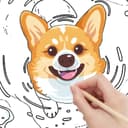
Speed Painter
A1D.aiCreate drawing animation video in minutes
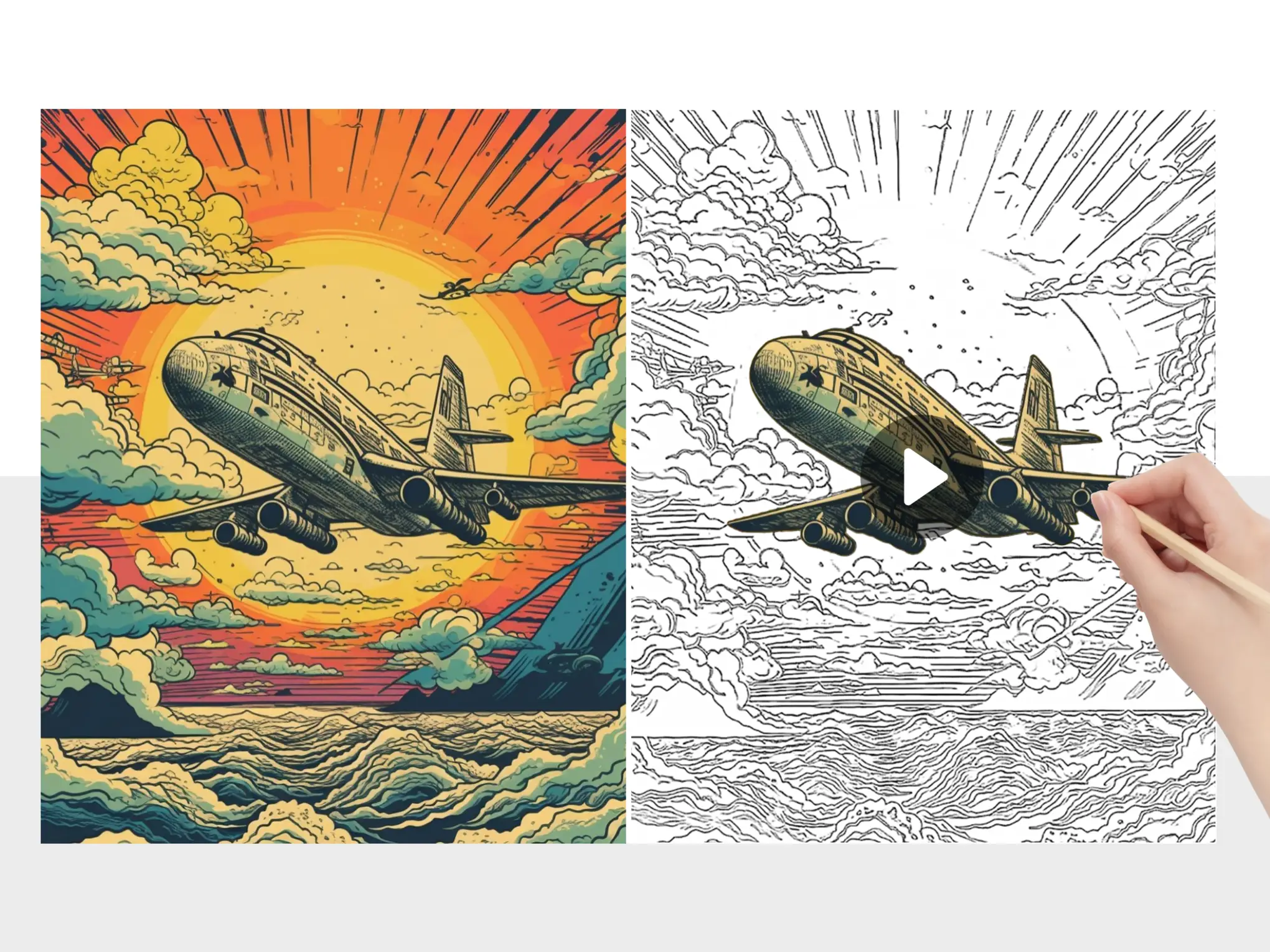
Speed Painter uses AI to convert your images into engaging speed drawing videos with a single click. Ideal for creating educational whiteboard videos or marketing animations with minimal effort.
Redirects to Canva.com securely
App Preview

How to Create Speed Painting Animations
Turn any image into a mesmerizing speed painting video using Speed Painter
- 1
Open Speed Painter App
Find and launch Speed Painter from Canva marketplace
Search for "Speed Painter" and click to open.
- 2
Upload Your Image
Select an image to transform into a painting animation
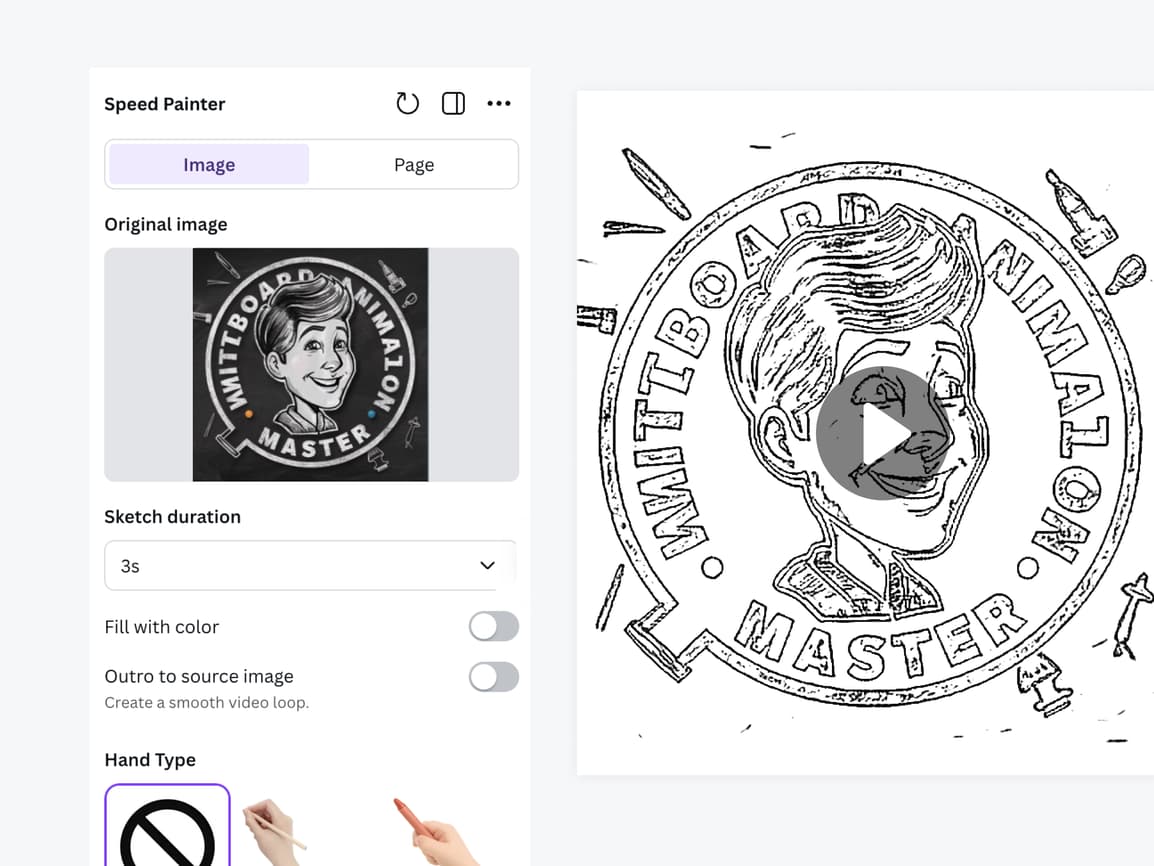
Works best with: Portraits, landscapes, artwork. Supports JPEG, PNG, WebP formats.
- 3
Select Animation Style
Choose your preferred painting animation style
Options include: Whiteboard, Blackboard, Greenboard. Each come with various hand types.
- 4
Customize Duration and Coloring
Adjust animation video duration
Duration: 1-60s; Color fill: 1-30s. Slower speeds show more detail in the painting process.
- 5
Generate Your Video
Click "Generate" and wait for processing
Processing time: 1-10 minutes depending on complexity and duration selected.
- 6
Save and Download
Download your speed painting video or add to Canva design
Video is ready for social media sharing, presentations, or further editing.
You're all set!
Follow these steps to get the best results. For more detailed tutorials, check out our video guides.
FAQ - Speed Painter
Common questions about Speed Painter
Discover More Apps

Video Gen
Transform text and images into videos
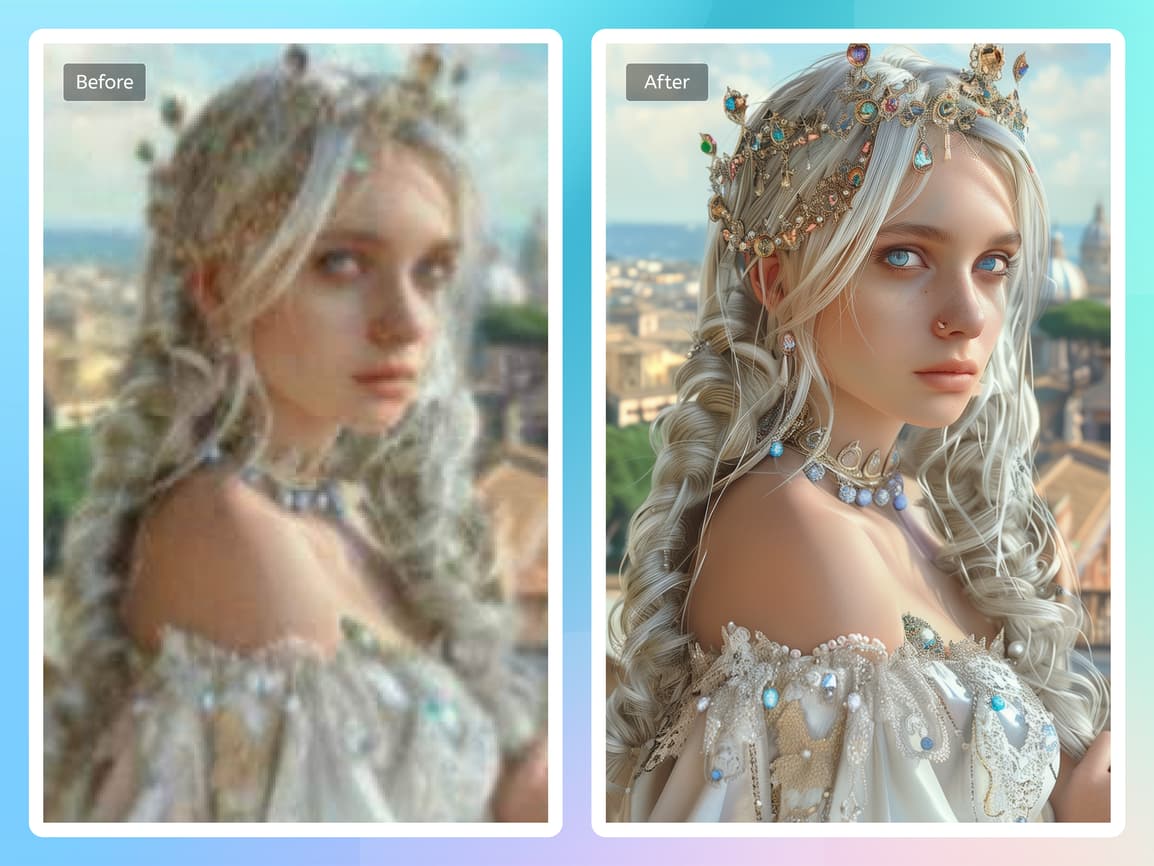

Image Upscaler
Increase image resolution and enhance with AI
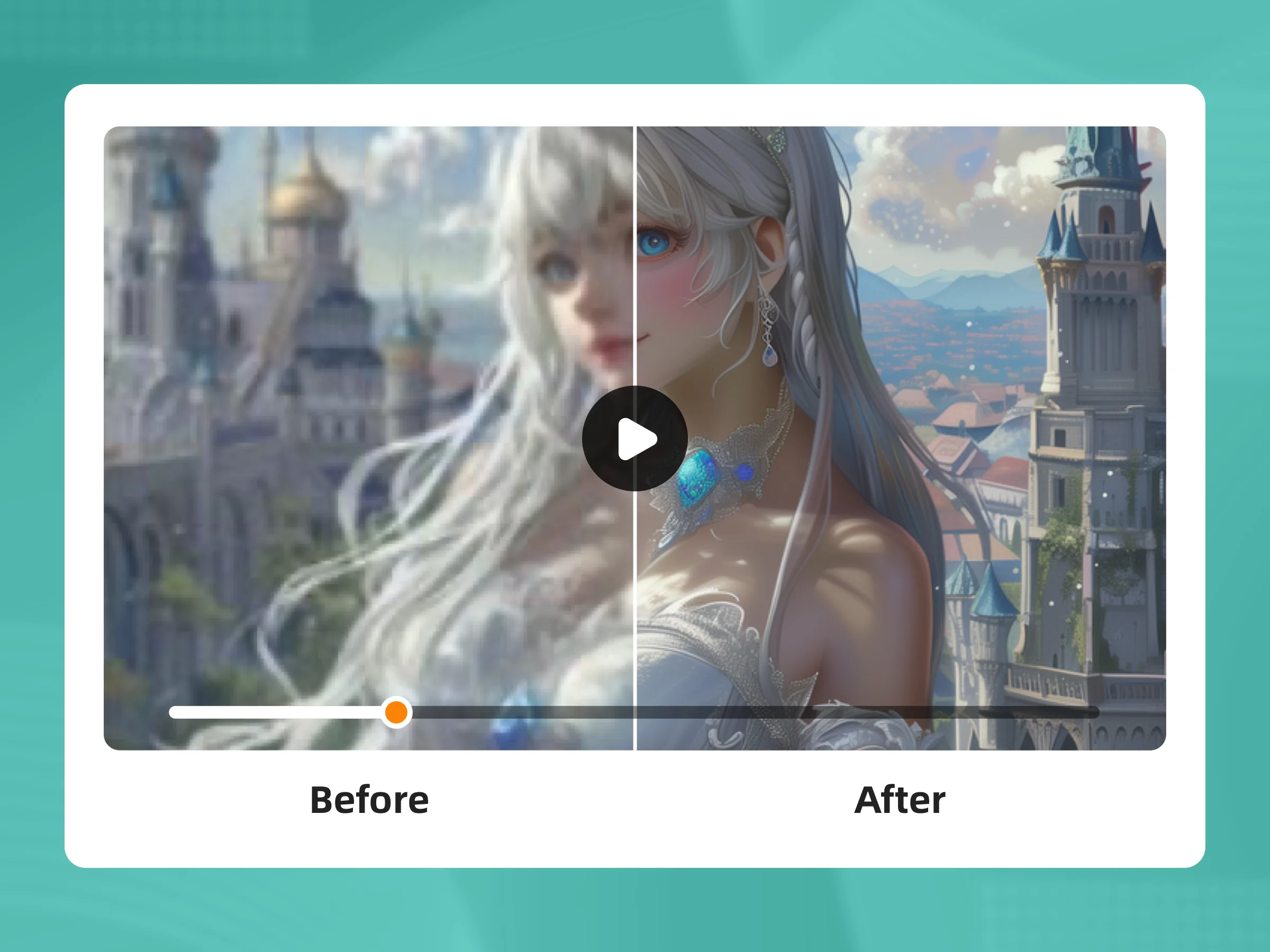

Video Upscaler
Upscale and enhance video quality with AI