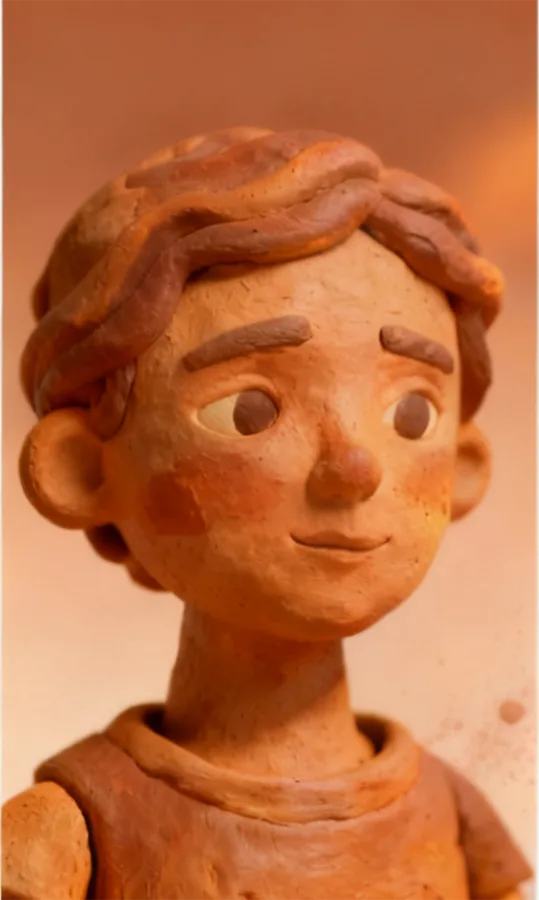
AI Clay FilterSculpt Photos into Clay Characters

Claymify Clay FilterTurn Photos into Adorable Clay Figurines

Upload any portrait and instantly craft a tactile clay sculpture. Rich textures, soft lighting, and handcrafted charm designed for creators, marketers, and anyone who loves playful visuals.

Claymify Preview

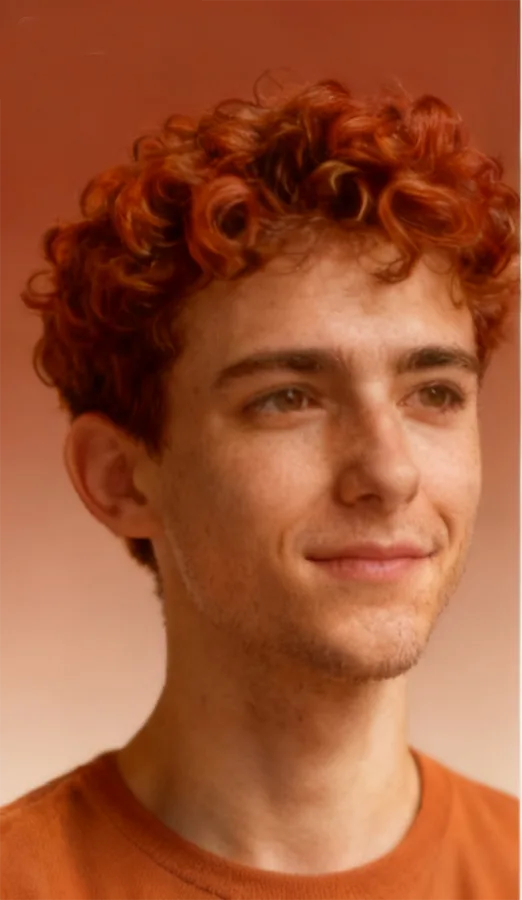
Original Photo

Original portrait before clay transformation

Clay Version

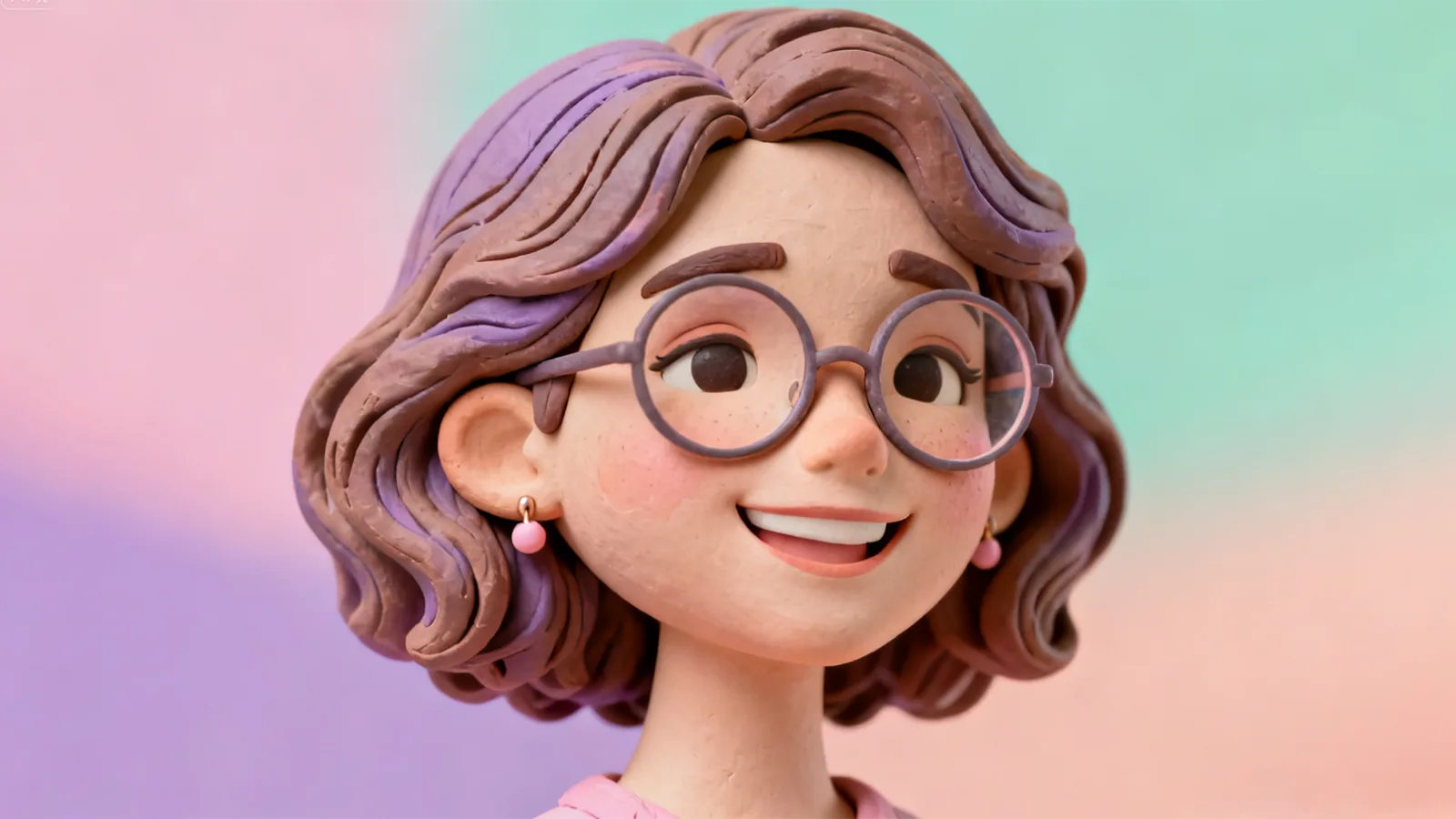
Example portrait transformed into a clay figurine

Handcrafted Finish

Studio Lighting

Clay figurine highlighting studio lighting effects

Warm Glow

30+Clay presets
<15sAverage processing
4.9★Creator rating
AI CLAY ART STUDIO

Transform Photos into Clay Art Instantly

Upload any photo and watch AI transform it into stunning claymation art. Compare original and clay-styled results side-by-side in real-time.

Create Stunning Clay Art from Your Photos

Drag & drop or click to upload your image

Pro Tips for Best Results

Follow these guidelines to get the most stunning clay transformations.

Good Lighting

Well-lit photos produce cleaner clay textures and more accurate facial features.

Clean Background

Uncluttered backgrounds help Claymify focus on your subject for better sculpting.

Clear Face

Center your subject and ensure facial features are visible and in focus.

High Quality

Higher resolution images result in more detailed and professional clay renders.

Upload Best Practices
  • File size: Up to 10MB recommended
  • Format: JPG, PNG, or WEBP
  • Resolution: At least 512px on shortest side, max 4096px
  • Subject: Center portraits with clear facial features work best
How Claymify Works

Sculpt Clay Characters in 3 Simple Steps

Claymify transforms your portraits into handcrafted clay figurines in seconds. Upload, choose a clay vibe, and share your new collectible-ready look.

1

Upload your photo

Choose a portrait with clear facial features; we support JPG and PNG with up to 4096 px on the longest edge.

2

Pick a clay vibe

Select from playful pastels, studio lighting, monochrome clay, and more. Presets preview instantly.

3

Download & share

Receive a high-res PNG clay figurine. Perfect for social profiles, campaign assets, or just-for-fun collectibles.

Claymify Features

Warm Clay Textures With Studio-Grade Polish

Powered by Claymify's texture engine and lighting presets to deliver handcrafted depth, gloss, and playful charm in every render.

Handcrafted Texture Engine

AI sculpting recreates soft clay edges, thumb impressions, and baked finish for a lifelike miniature.

Custom Clay Lighting

Warm studio presets add gentle shadows and gloss so every character feels like it belongs on a crafts table.

Ready-to-Share Exports

Download transparent PNGs or square canvases optimised for social feeds and merch.

Use Cases

Built for Creators, Marketers, and Everyday Delight

From social campaigns to personalized gifts, Claymify brings handcrafted storytelling to every project.

Social Storytelling

Create clay twins for Instagram, TikTok, and YouTube channels.

  • Profile portraits that pop
  • Story highlight covers
  • Shareable stickers & reels
  • Channel art refresh

Brand Activations

Give campaigns a collectible, handcrafted mascot your audience remembers.

  • Limited-run mascots
  • Campaign hero visuals
  • Event souvenirs
  • Gamified rewards

Gifts & Keepsakes

Surprise friends and clients with personal clay portraits.

  • Client thank-you gifts
  • Birthday keepsakes
  • Team celebrations
  • Holiday greetings

Creative Exploration

Experiment with playful clay materials without 3D modelling.

  • Concept art drafts
  • Moodboard assets
  • Pitch decks & prototypes
  • Mixed-media mashups

Use Cases Gallery

Real outcomes crafted with Claymify. Explore styles and get inspired.
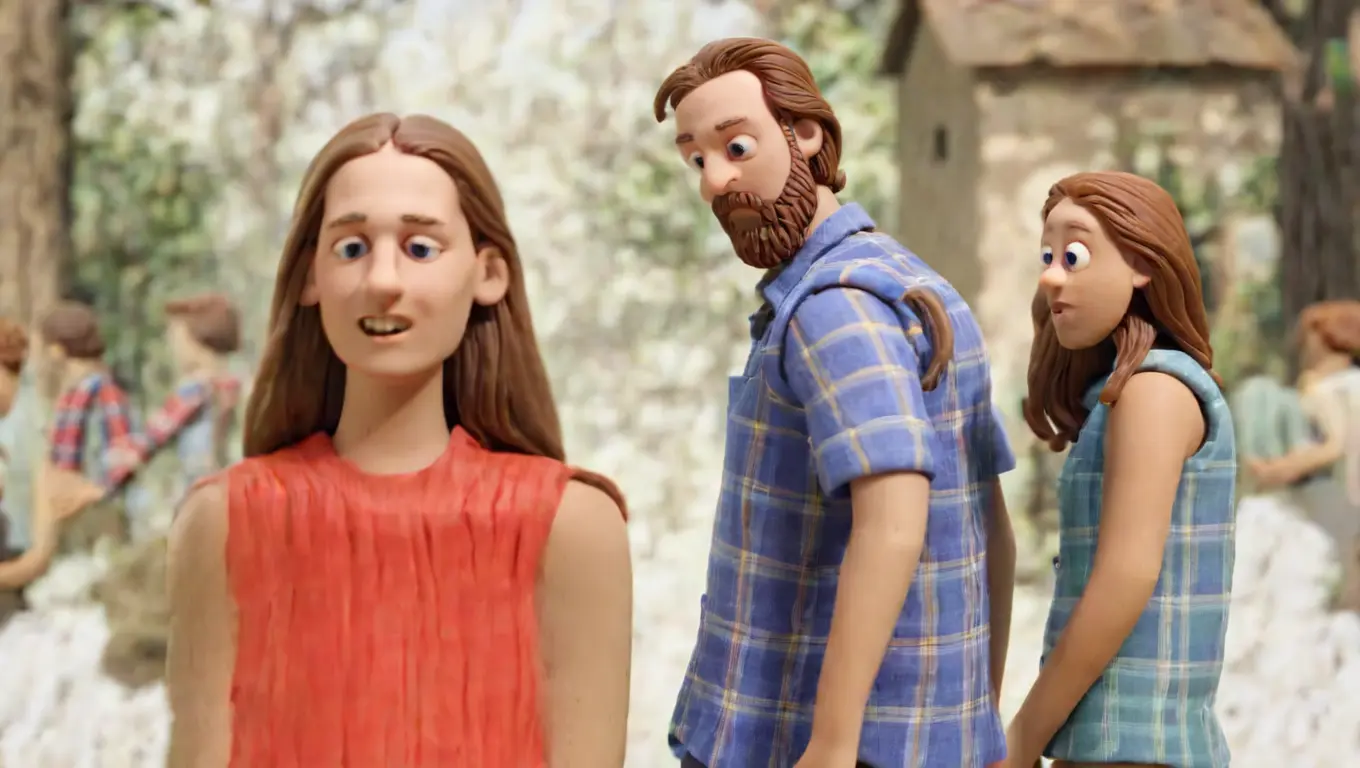
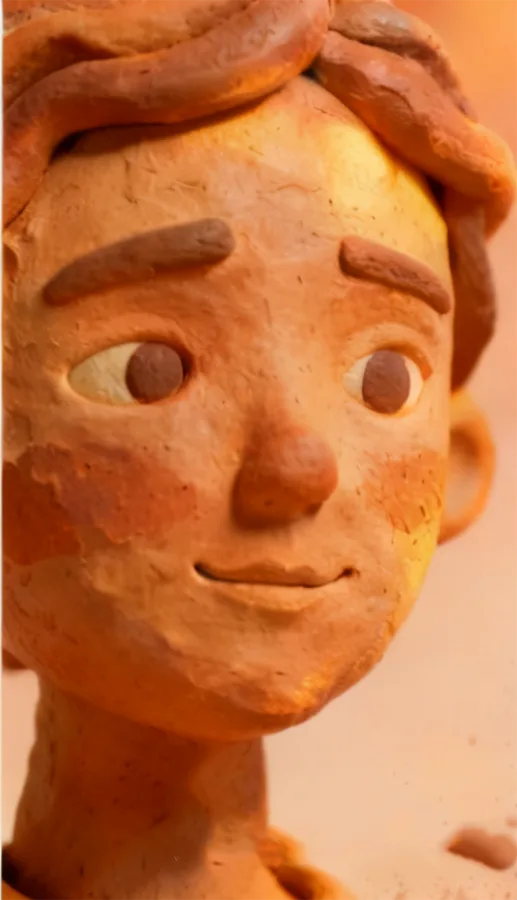
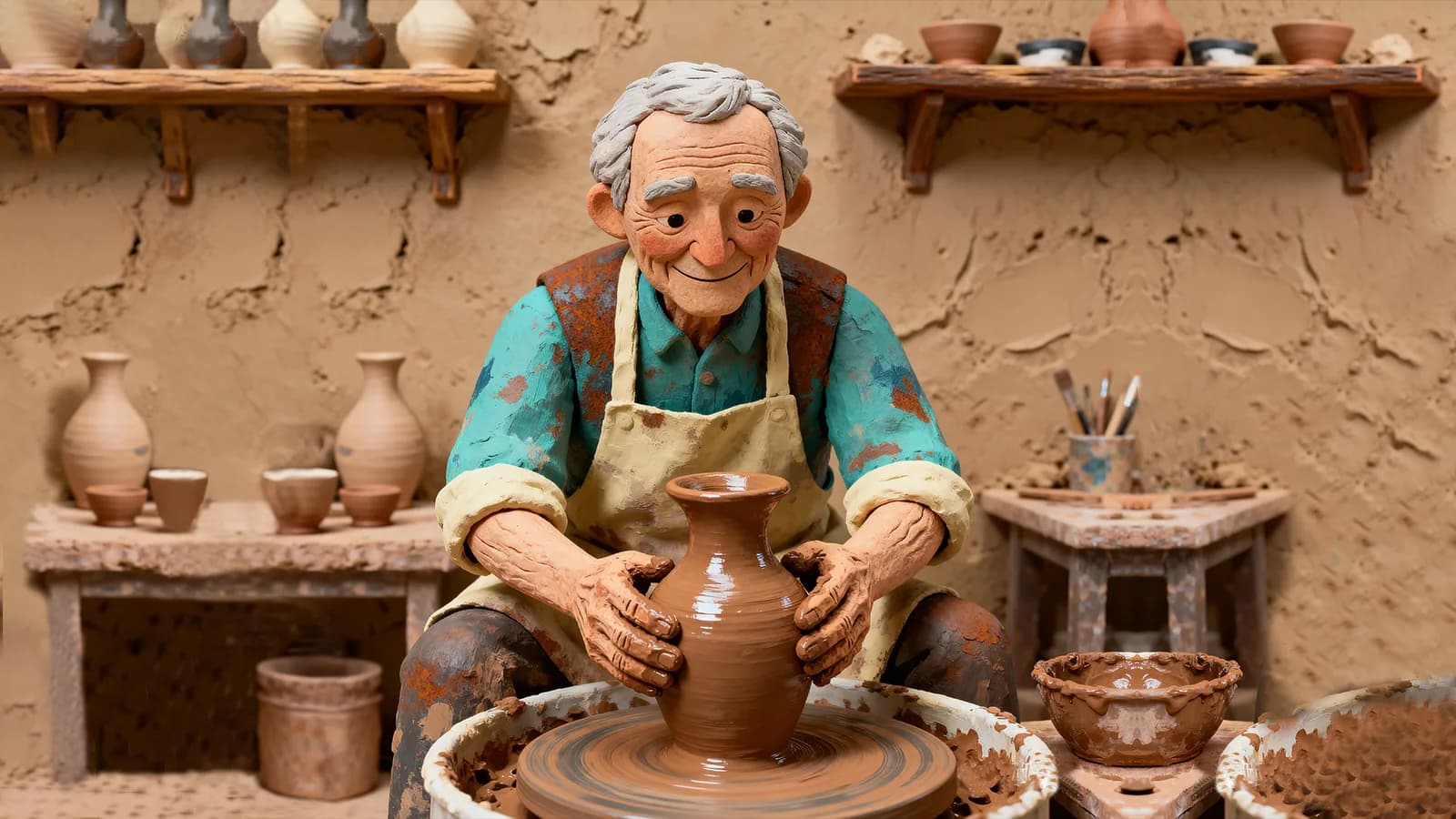
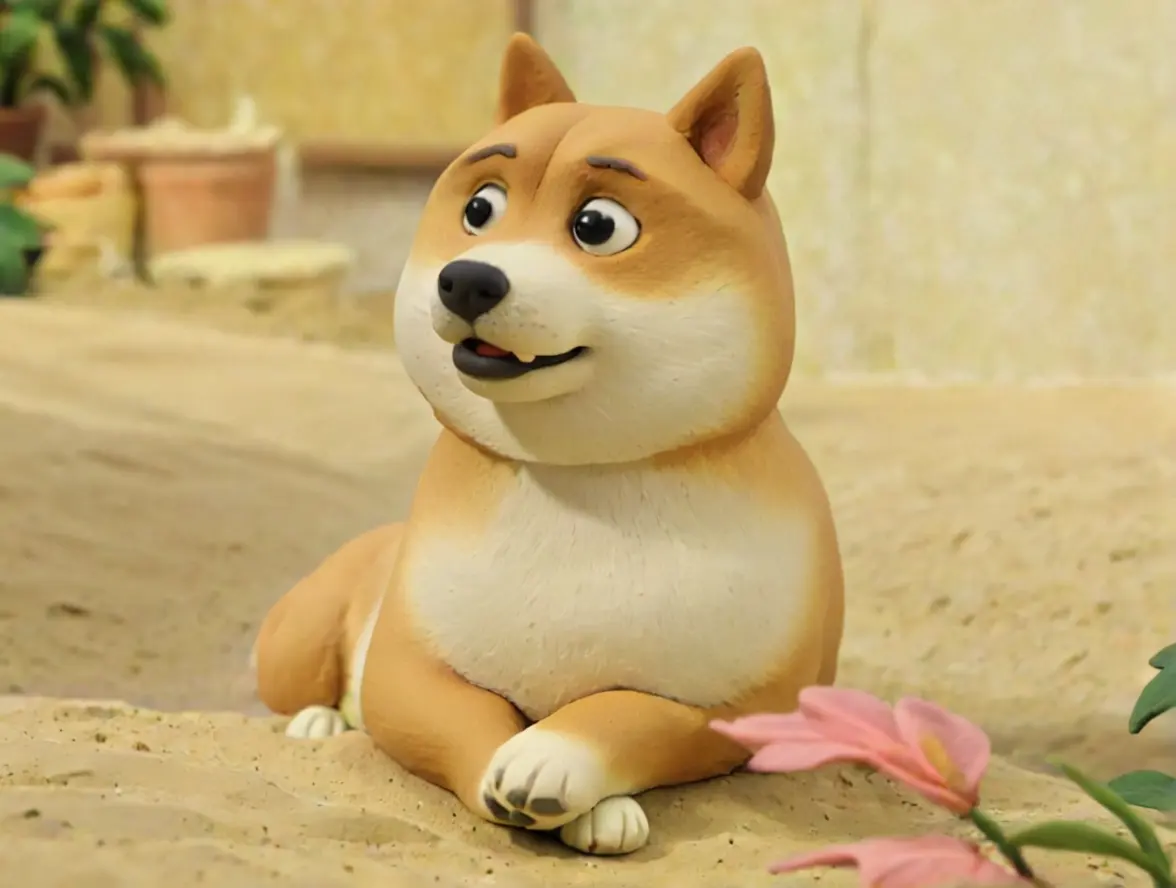
Clay portrait of a boy with handcrafted textures
Warm Portrait
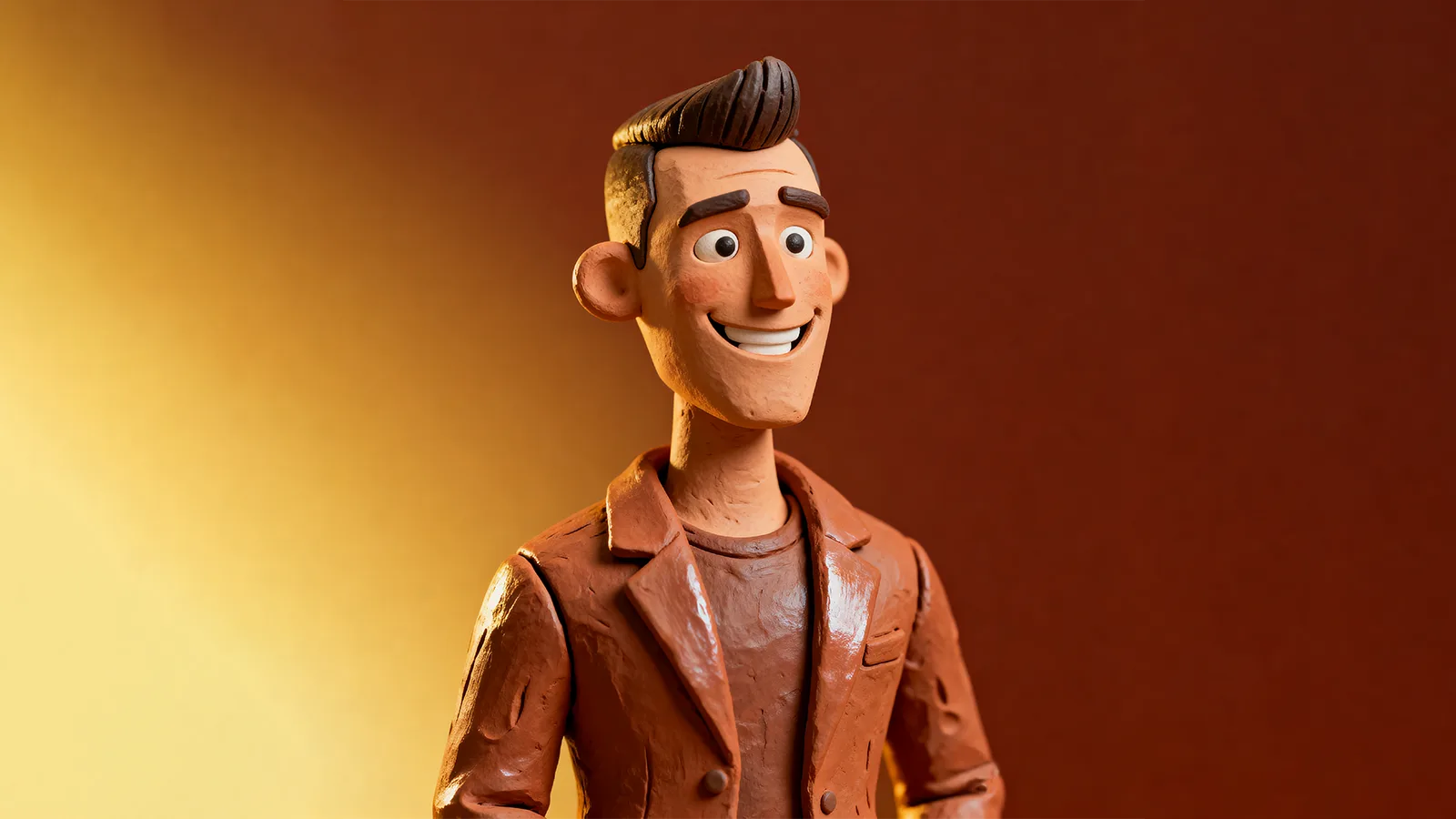
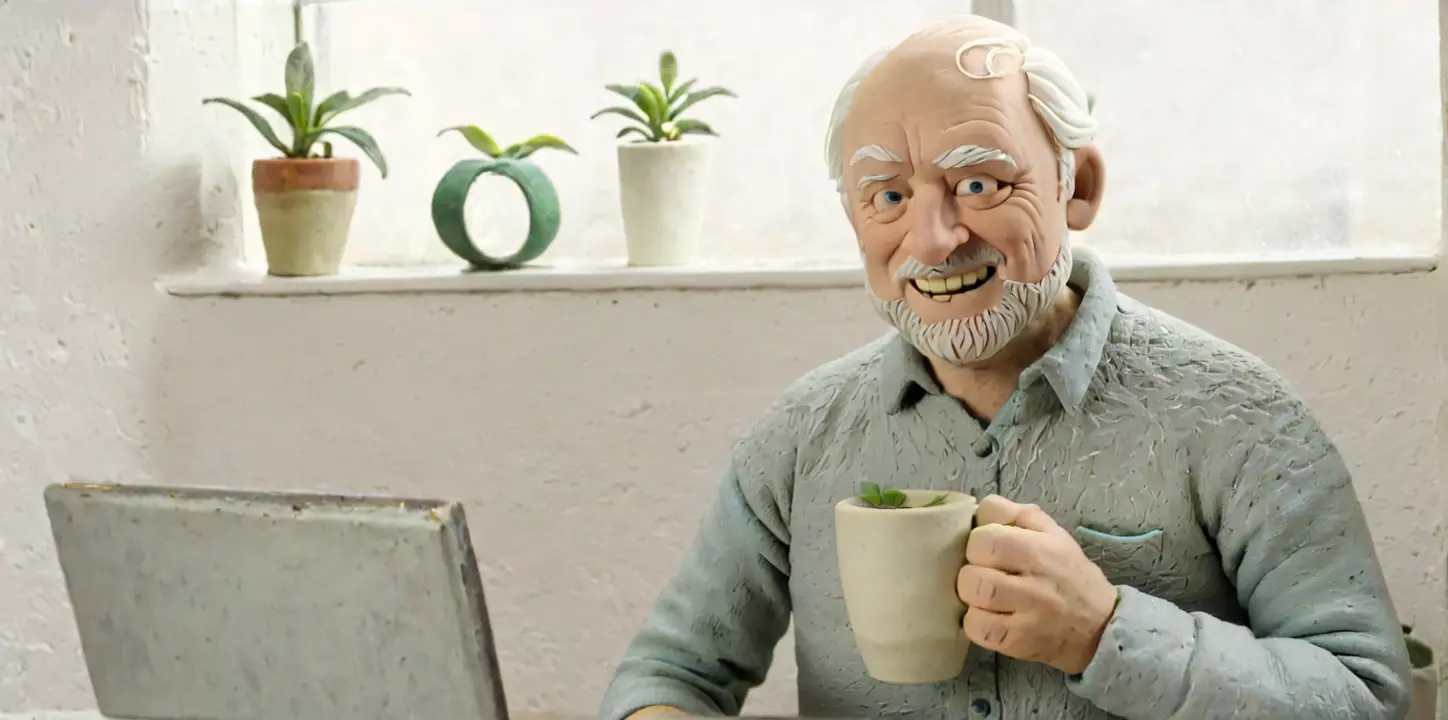
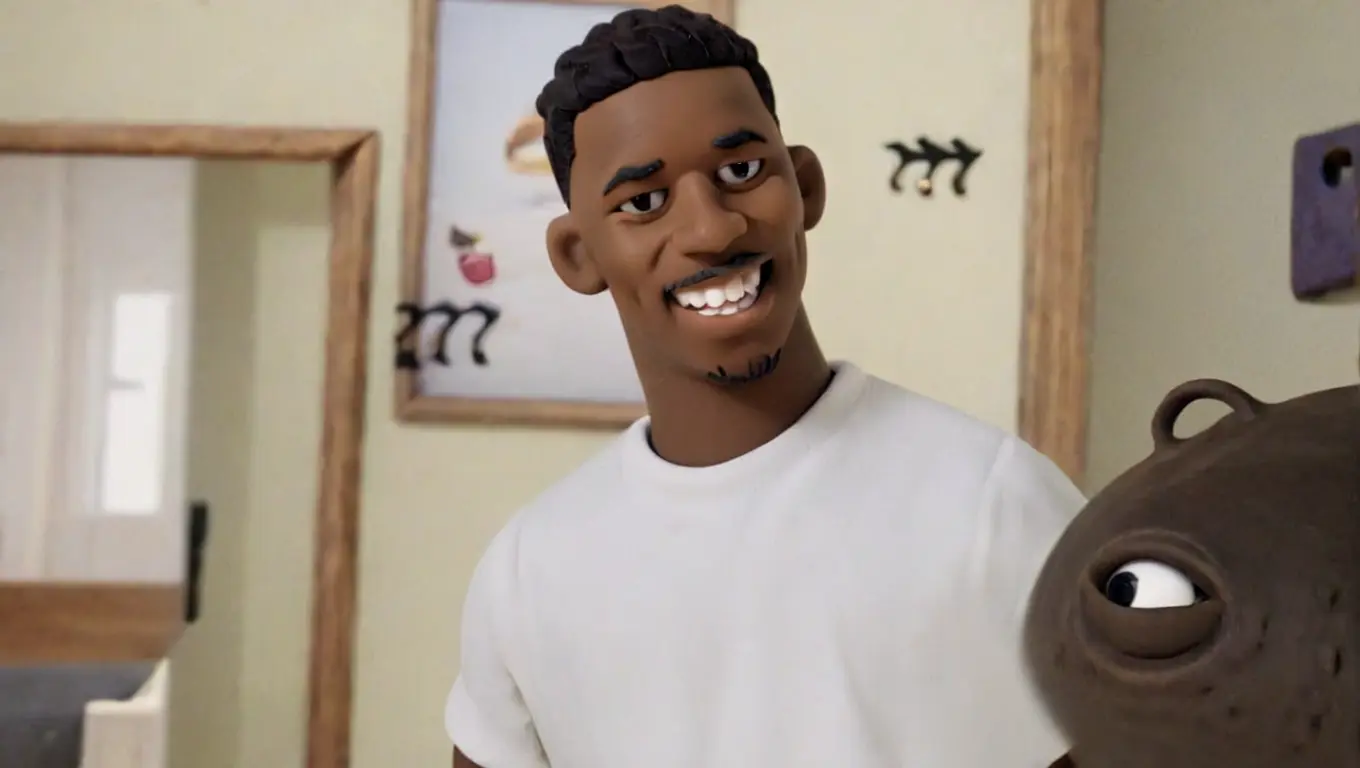
Clay portrait of a man with studio lighting
Studio Lighting
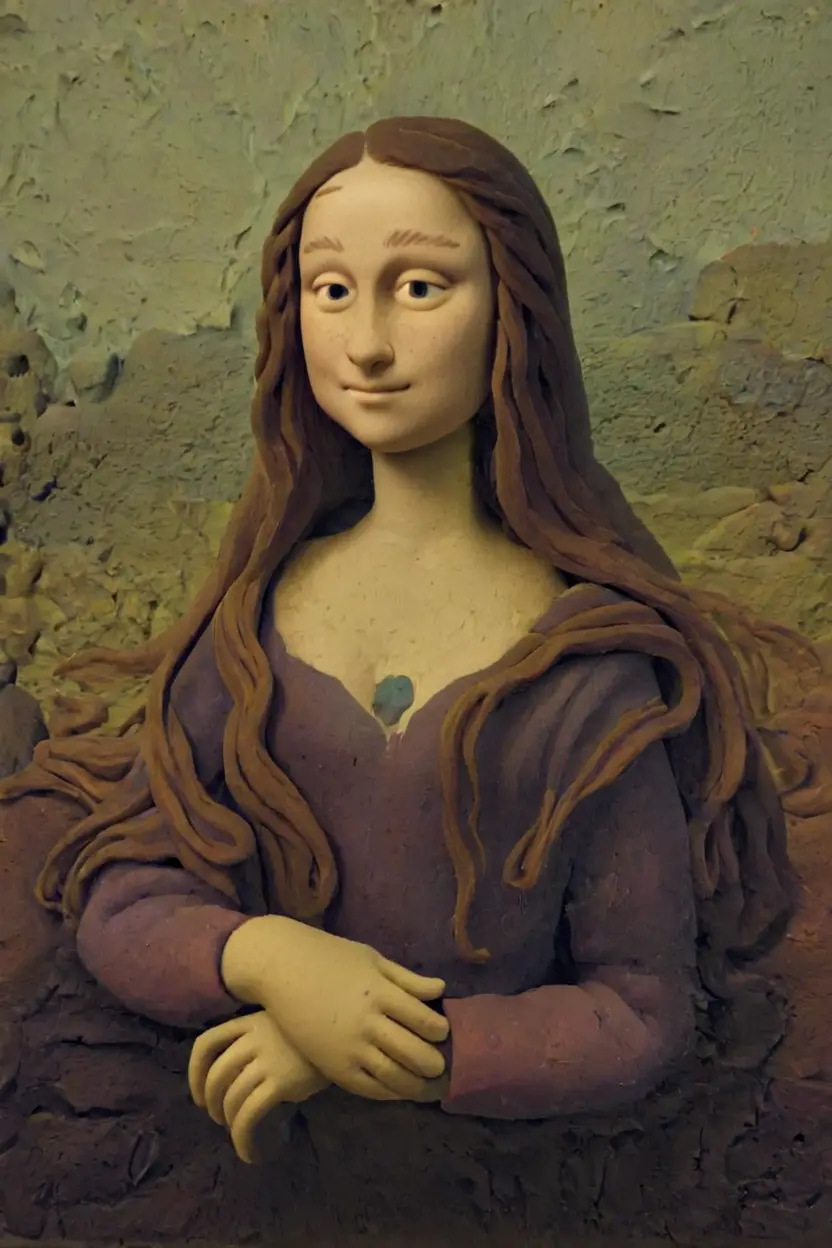
Clay reinterpretation with classic style
Classic Style
Clay portrait with painterly influence
Painterly
Clay figure with heritage vibe
Heritage
Fun clay interpretation in pop style
Pop Style
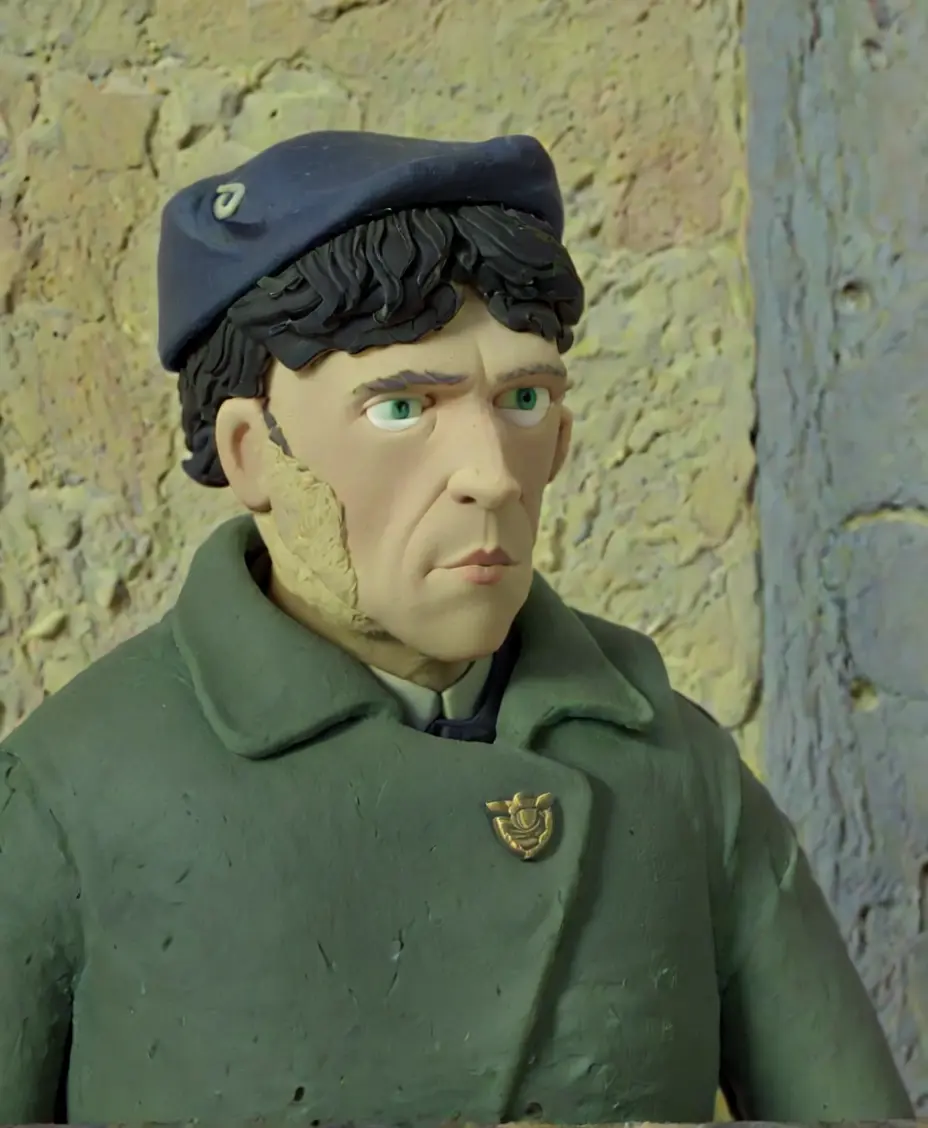
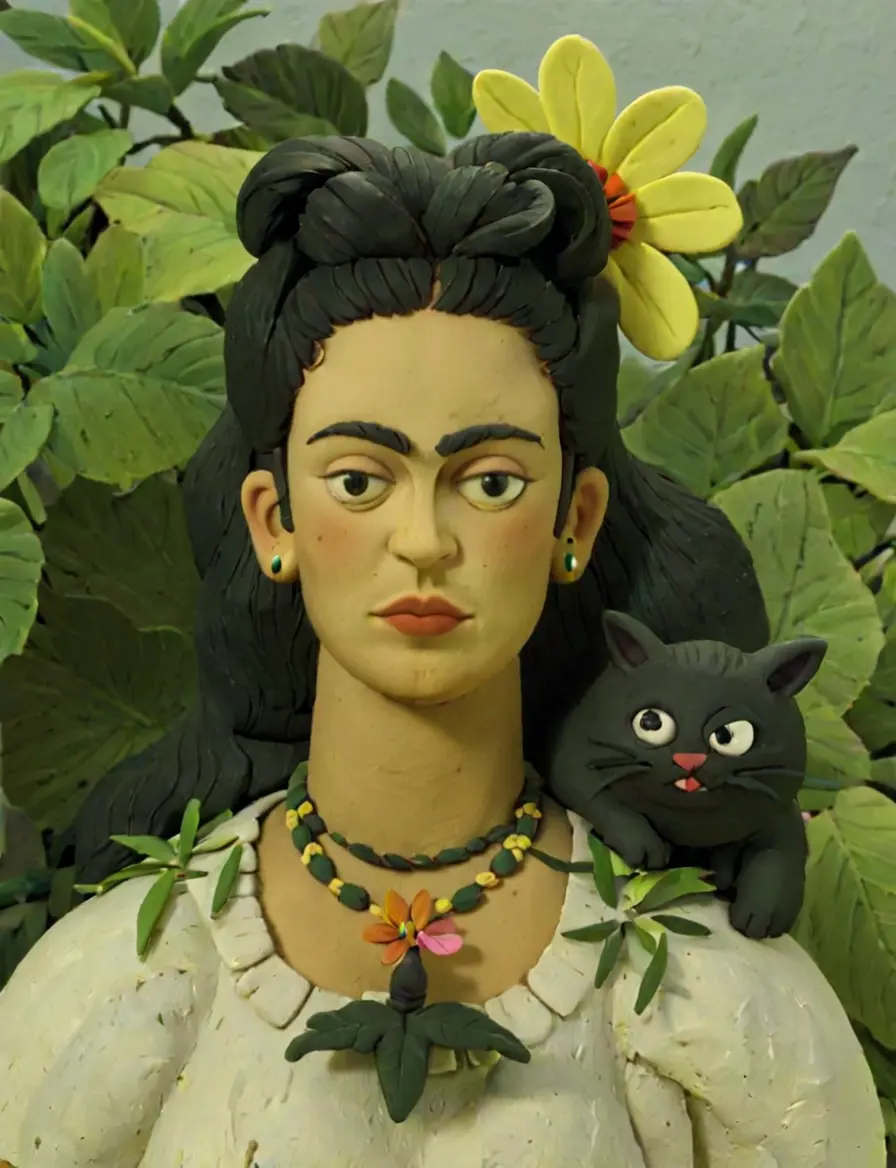
Clay portrait inspired by an artist
Artist Tribute
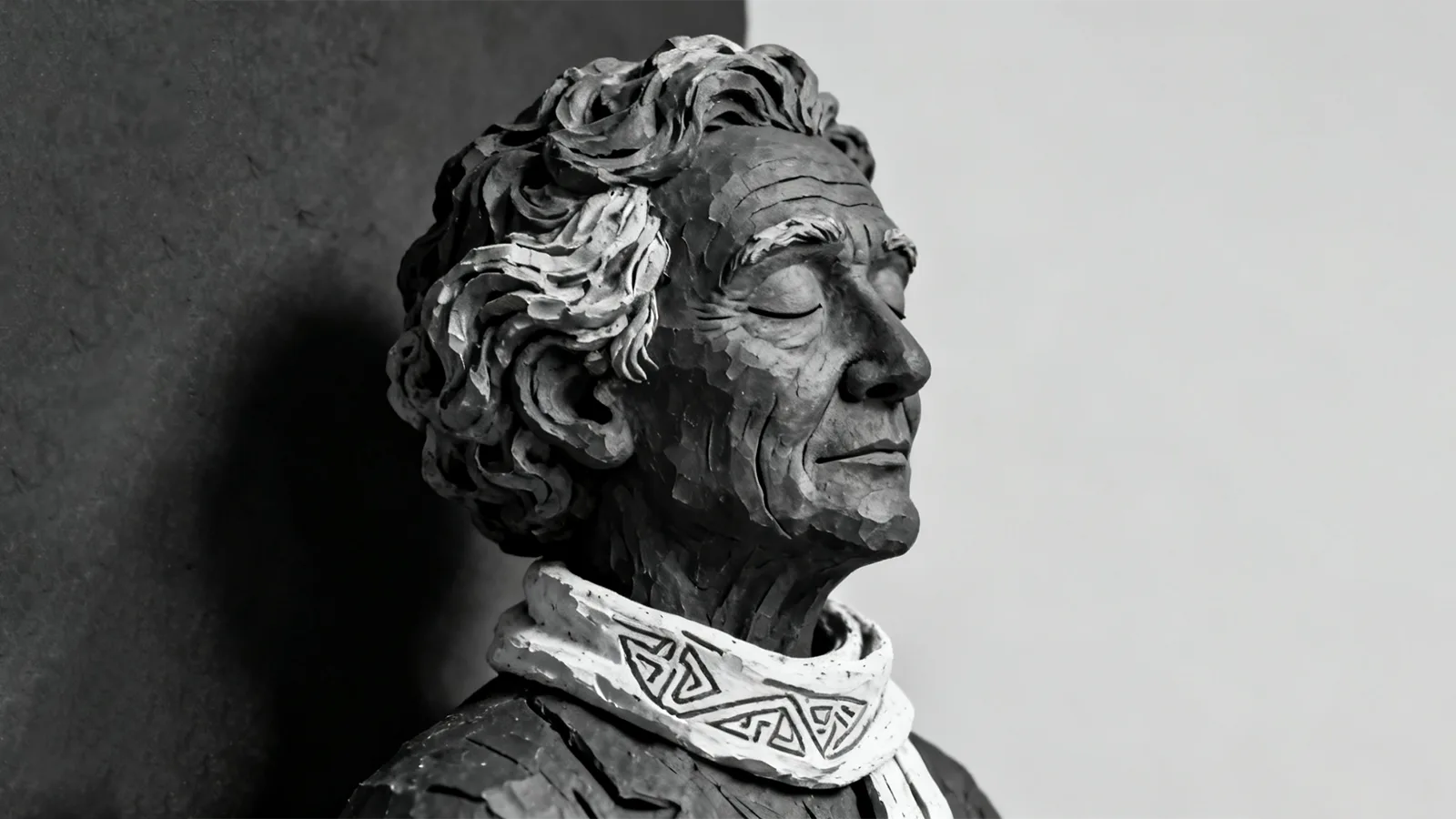
Black clay portrait with bold contrast
Bold Contrast
For Developers

Claymify API for Clay-Forward Experiences

Bring clay-style rendering into your own apps with a single request.

API Integration Example

Transform photos with Claymify presets programmatically

curl -X POST "https://api.a1d.ai/claymify" \
  -H "Authorization: Bearer YOUR_API_KEY" \
  -F "[email protected]" \
  -F "style=claymify-soft" \
  -F "lighting=studio-warm"

# Response
{
  "success": true,
  "result_url": "https://cdn.a1d.ai/claymify/result.jpg",
  "style_applied": "claymify-soft",
  "processing_time": 4.2,
  "available_styles": [
    "claymify-soft", "claymify-gloss", "claymify-night",
    "claymify-pastel", "claymify-monochrome"
  ]
}
Complete the Clay Workflow

Pair Claymify with Other A1D Tools

Prep your photos, sculpt in clay, and finish with professional polish using the rest of the A1D toolkit.

Style Lab

Character Filter

Transform photos into anime, cartoon, or cinematic characters to complement clay renders.

  • 50+ character presets
  • Instant processing
  • Social-ready exports
Explore
Prep Tool

Background Remover

Clean up backgrounds before sculpting to keep clay figurines crisp and focused.

  • Edge-aware removal
  • Transparent PNG output
  • Batch friendly
Explore
Enhancement

Creative Upscale

Enhance Claymify output with AI upscaling for large-format prints or campaigns.

  • 4× resolution boost
  • Detail restoration
  • Artifact cleanup
Explore
Claymify Workflow

Suggested Clay Sculpting Pipeline

Follow this simple pipeline to go from raw photo to clay collectible in minutes.

Step 1

Prepare Background

Remove clutter and keep your subject center stage.

Step 2

Sculpt in Claymify

Upload, pick a clay vibe, and sculpt your figurine.

Step 3

Polish & Share

Upscale for print, blend with other AI styles, and publish.

Ready to Sculpt Your Next Clay Character?

Join creators who turn everyday photos into tactile clay figurines with Claymify.

Frequently Asked Questions

Claymify Workflow Essentials

Quick answers on uploads, processing time, and creative controls so you can sculpt with confidence.