
Backgroundless
A1D.AIYour text ideas to transparent visuals, fast
Create stunning images with transparent backgrounds directly from your description. Easily turn concepts into clear visuals of many styles, no more removing background, no editing hassles.
Redirects to Canva.com securely
App Preview
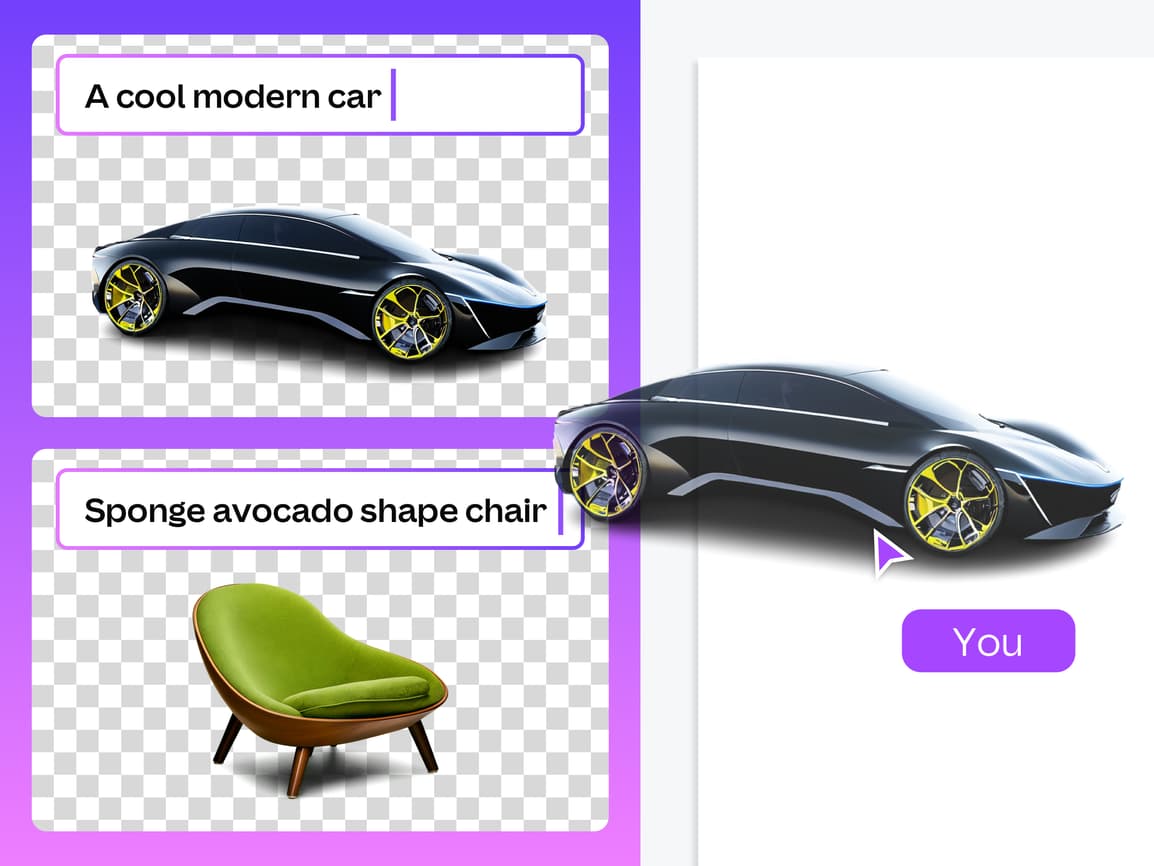
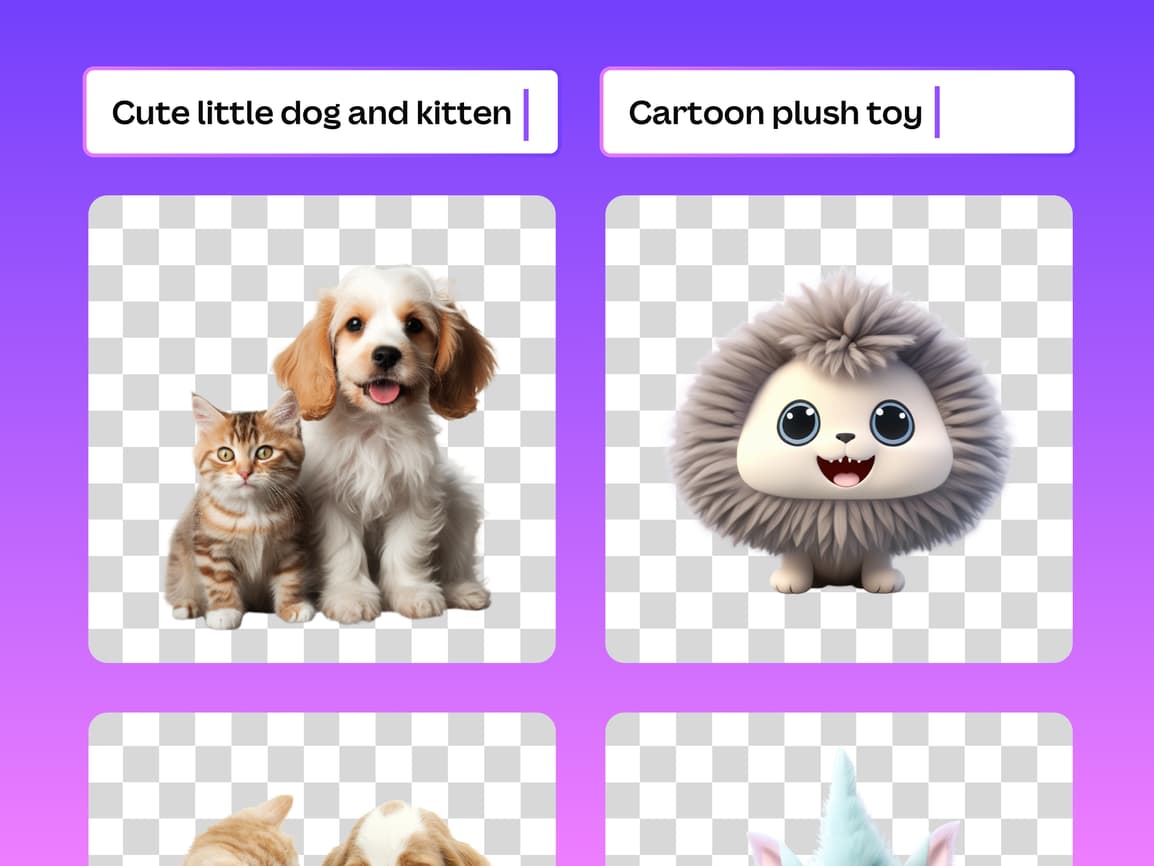
How to Generate AI Images with Transparent Backgrounds
Create unique AI-generated images with transparent backgrounds using Backgroundless
- 1
Open Backgroundless App
Launch Backgroundless from Canva marketplace
Search for "Backgroundless" and click to open. This is a generative AI tool, not a background remover.
- 2
Enter Your Prompt
Describe the image you want to generate in text
Be specific: "A red cat sitting on a blue chair", "Golden sunset over mountains", "Modern office desk". More details = better results.
- 3
Enter Art Style (Optional)
Also describe an art style for your generated image
Options: Realistic, Illustration, 3D render, Oil painting, Watercolor, Abstract. Affects visual appearance.
- 4
Generate Image
Click "Generate" to create your AI image
Processing takes 30-60 seconds. The app will generate the image with a transparent background automatically.
- 5
Preview and Refine
Preview your generated image
If unsatisfied, modify your prompt and regenerate. You can create multiple variations.
- 6
Add to Your Design
Click "Add to Design" to insert the image into Canva
Perfect for: Stickers, icons, design elements, unique graphics. Ready to use with the transparent background.
You're all set!
Follow these steps to get the best results. For more detailed tutorials, check out our video guides.
FAQ - Backgroundless
Common questions about Backgroundless
Discover More Apps
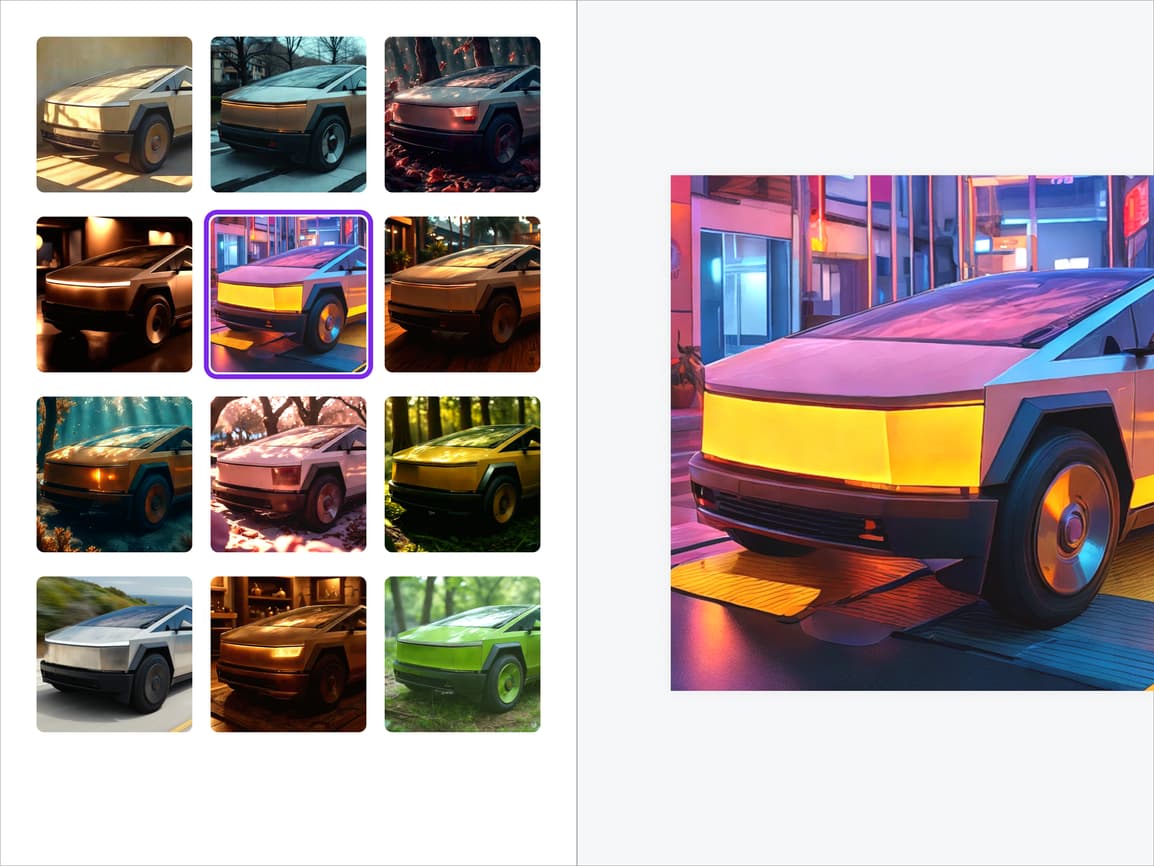
Background Pro
Change background and lighting to your style
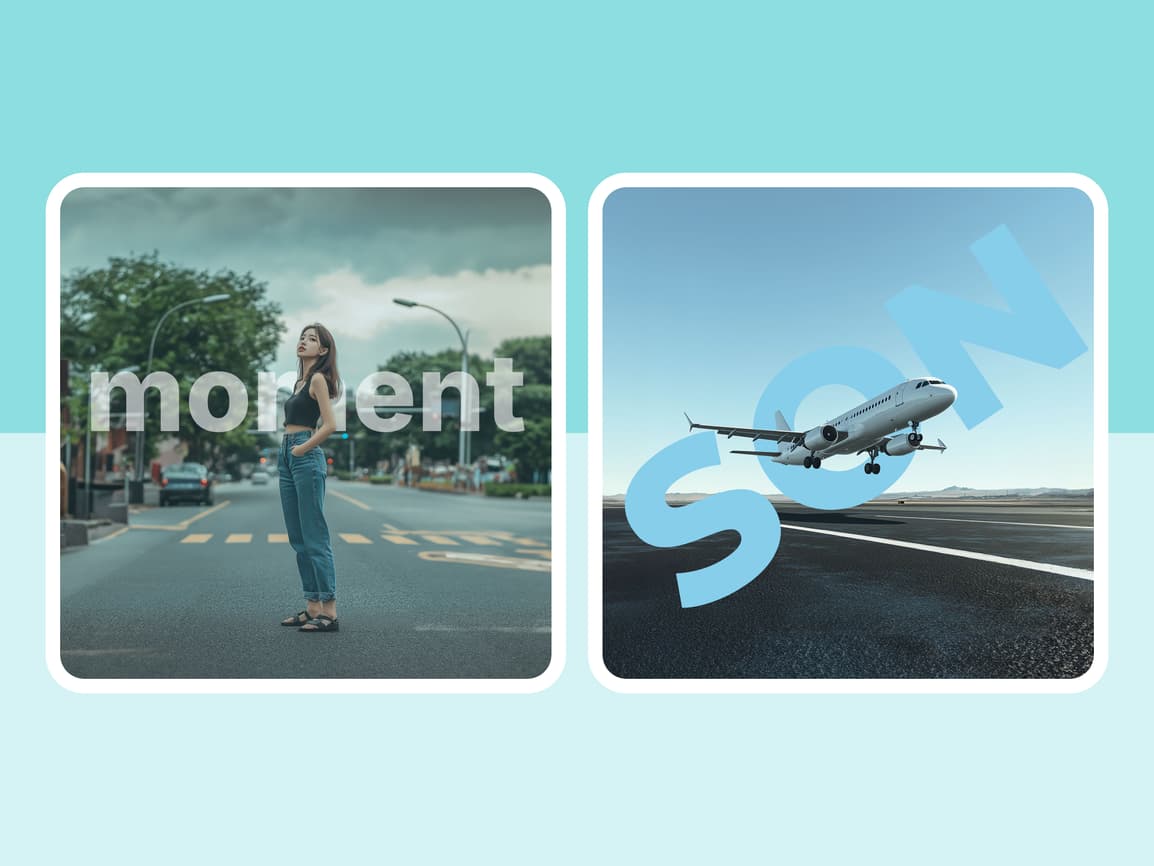

Text Layer
Seamlessly layer text and images


Talking Avatar
Animate photos with voice-matched lips and motion